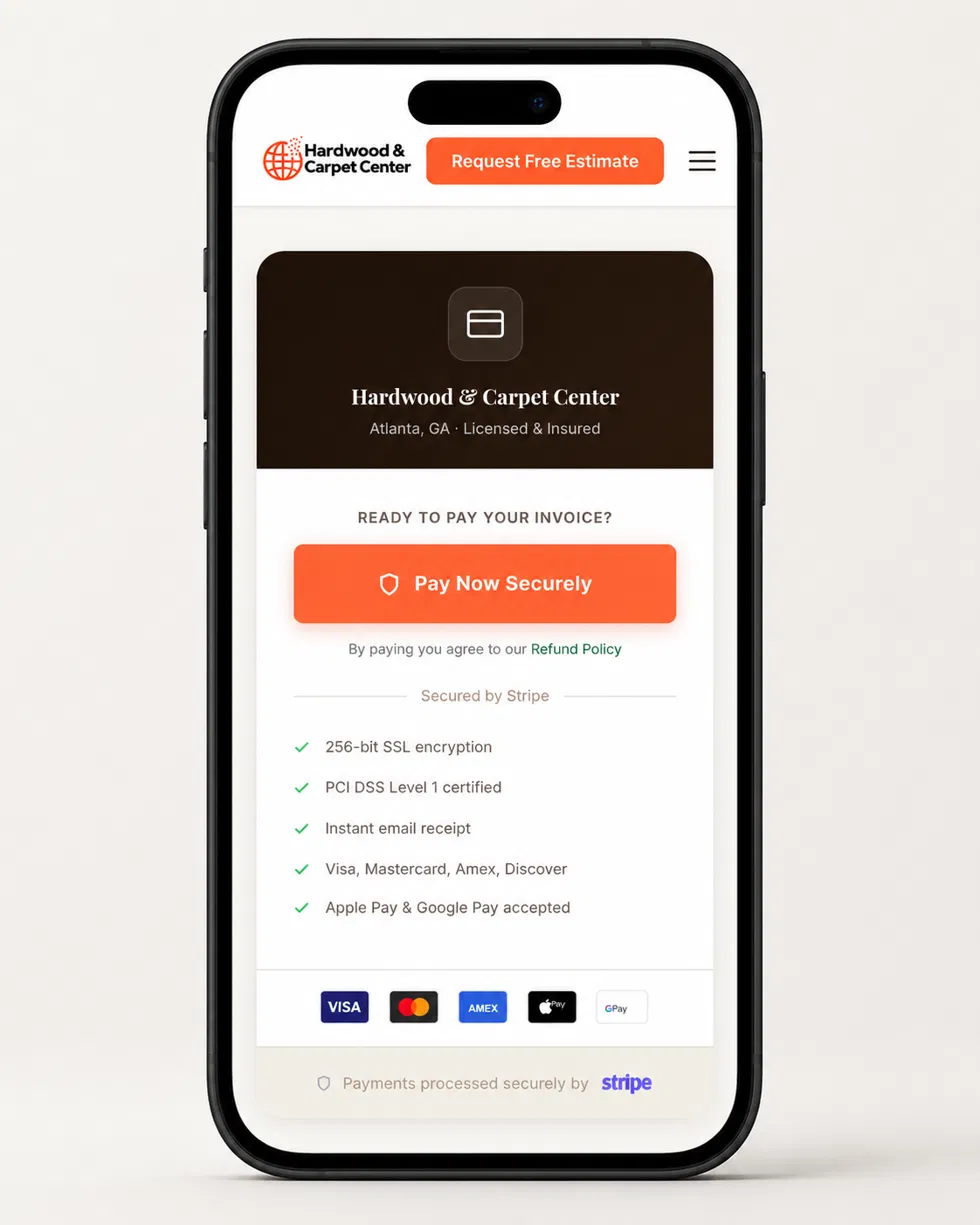
Customers say they'll pay you later — then you have to chase them for weeks
Customers may prefer online card or digital-wallet payment options you do not currently offer
Following up on unpaid invoices can take time after the work is complete
You have no way for customers to pay without writing a check
What's Included
What we build for you
Payment Link
A payment link gives customers a way to pay online. When included in your setup, it can be shared by text, email or invoice.
QR Code
When included in your setup, a QR code can give customers another simple way to access your payment link.
Available Payment Options
Card and digital-wallet options depend on the payment processor, account approval and configuration selected for your business.
Clear Fee Review
We explain your CoreX setup cost, the selected processor's transaction fees and any optional feature costs before setup begins.
Guided Setup
We guide you through account setup and configure the approved payment options after your payment account is verified.
The Process
How it works
Step 01
We guide you through setting up your own payment account, then configure your payment links, QR codes and invoice payment flow.
You complete required verification through the payment processor, and we help configure the approved payment workflow.
Step 02
We set up your payment link, QR code, and checkout.
When included in your setup, your payment link and QR code are prepared for sharing.
Step 03
We connect payments to your invoices.
If invoice payment links are included in your setup, invoices can include a pay-now option for customers.
Step 04
Begin offering online payment options.
Customers can use the approved payment options included in your setup. Payout timing is determined by your payment processor, account status, selected payment method, payout schedule and bank.
Built For
Who this is for
Contractors who want to offer customers an online payment option in addition to cash or checks
Business owners tired of chasing payments for weeks after a job
Businesses that want to make card or digital-wallet payments available when supported by their selected setup
Trades businesses ready to make it easier for customers to pay after a job
Not sure if this is right for you?
Get a free review. We'll look at your current setup and tell you honestly if this is what you need — or if something else makes more sense first.
Final CoreX setup price depends on the approved payment workflow and any optional configuration requested. Payment processor transaction fees and optional processor features are separate. We provide a clear written quote and explain applicable processor fees before work begins.
A local flooring contractor already accepted customer payments, but preparing invoices and managing the payment process was manual. CoreX helped create a cleaner branded invoice and payment-link experience that is easier to send and easier for customers to use.
The CoreX setup fee is one-time. Payment processor charges are separate. For example, Stripe currently lists standard U.S. online domestic card payments at 2.9% + 30¢ per successful transaction. Fees can vary by payment method, optional features and processor. We review the selected processor fees with you before setup.
Payout timing depends on your payment processor, account approval, selected payment method, payout schedule and bank. If Stripe is selected, we help you review the payout schedule available in your Stripe account before launch.
No. Customers can pay from their own phone — by scanning your QR code, clicking your payment link, or tapping the link on your invoice. If you also need in-person payment equipment, we can discuss that separately during your review.
Payments are handled through the selected payment processor's checkout experience. If Stripe Payment Links are used, Stripe hosts the payment page and handles PCI compliance for that checkout flow. We confirm the selected setup with you before launch.
That is fine. Online payments add a new option — they do not replace the old ones. Some customers still prefer cash or check. You decide what works for each job.